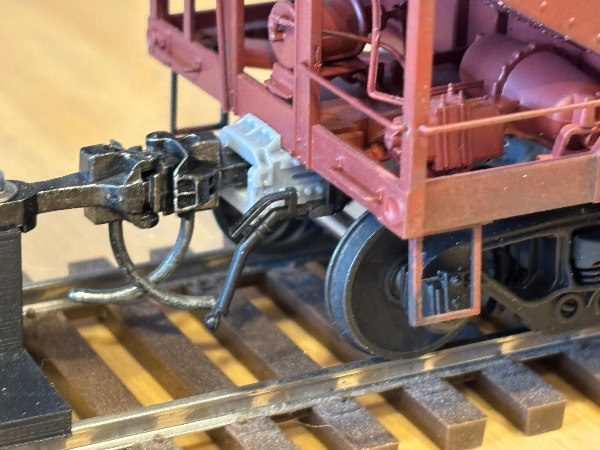
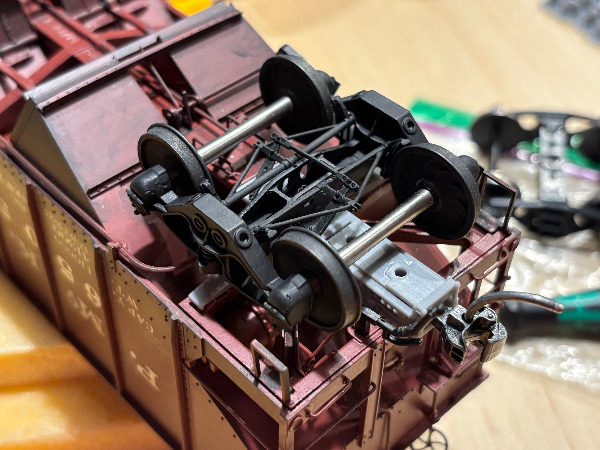
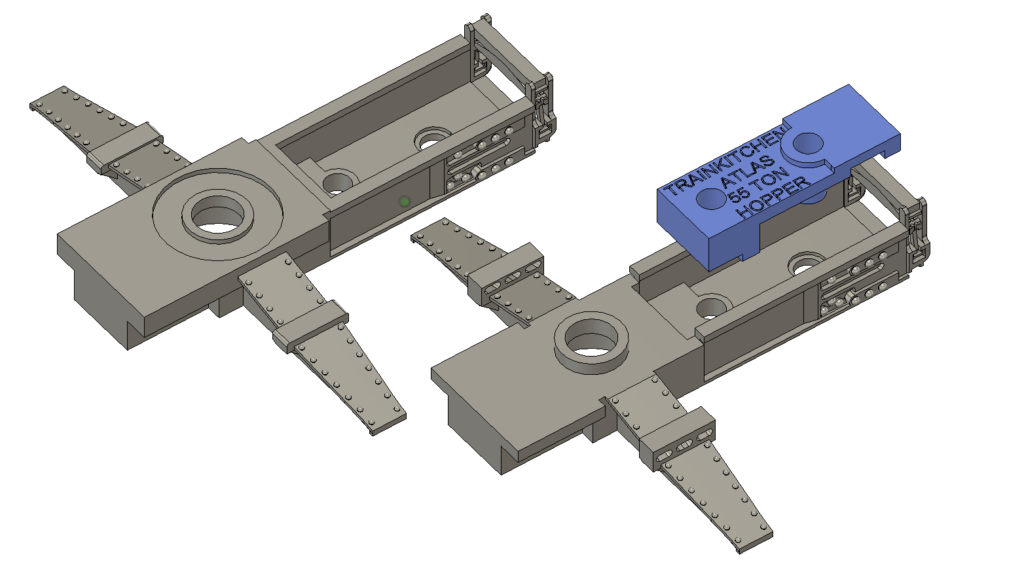
Correcting the underframe of that really nice ready to run Atlas O car and replacing the Atlas trucks with more detailed models, such as Protocraft, requires a little 3D printed bolster part that perfectly fits the Atlas underbody. All forces that occur within a long train are being transferred into the injection cast plastic parts of the model, not into the 3D resin parts.
Instructions
Unscrew the Atlas trucks
Open the Atlas coupler box and remove it by unscrewing the two mounting screws.
Cut down the two side bearer pins at one side of the car. They should be removed flush with the car bolster. The molded rivets of the car bolster can remain in place.
replace the coupler box with the printed coupler / bolster part.
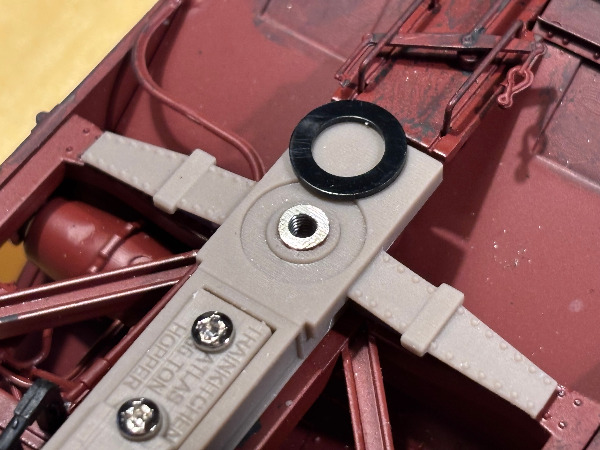
trim the Atlas center plate – the part where the king pin screws into the metal car bolster. It needs to be shorter in order to give the car the correct riding height. File down the two pins carefully, measuring against the 3D parts from time to time.
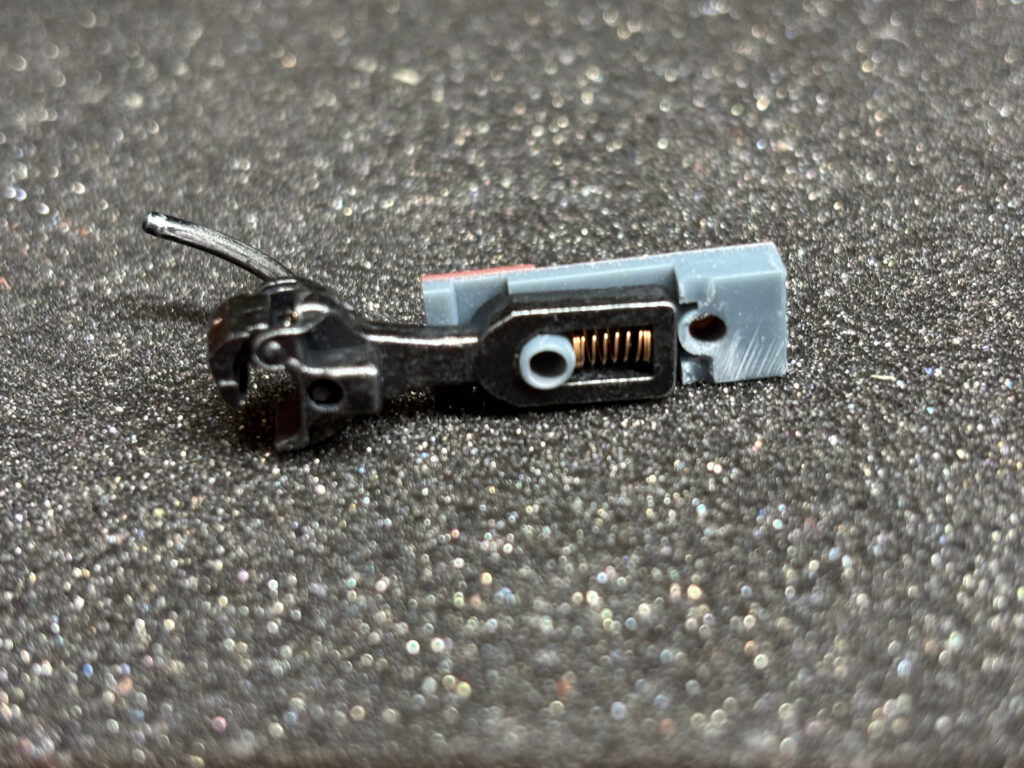
Trim Kadee Coupler at the end as shown in picture – in order to fit into the coupler box it needs to be a bit shorter. Insert Kadee coupler and add 3D printed coupler lid.
Use same screw holes but replace Atlas screws with longer M2x10mm
I recommend to glue the “wings” of the 3D printed car bolster against the original Atlas car bolster with a bit of epoxy glue. That way the 3D printed parts can not warp over the years.
ZIP contains two versions – for KADEE trucks and PROTOCRAFT trucks. The coupler cover fits both styles.